


Last month my new orthopedic specialist’s assistant handed me the dreaded clipboard with a four-page questionnaire covering most questions I know off the top of my head and many that there’s no way I remember.
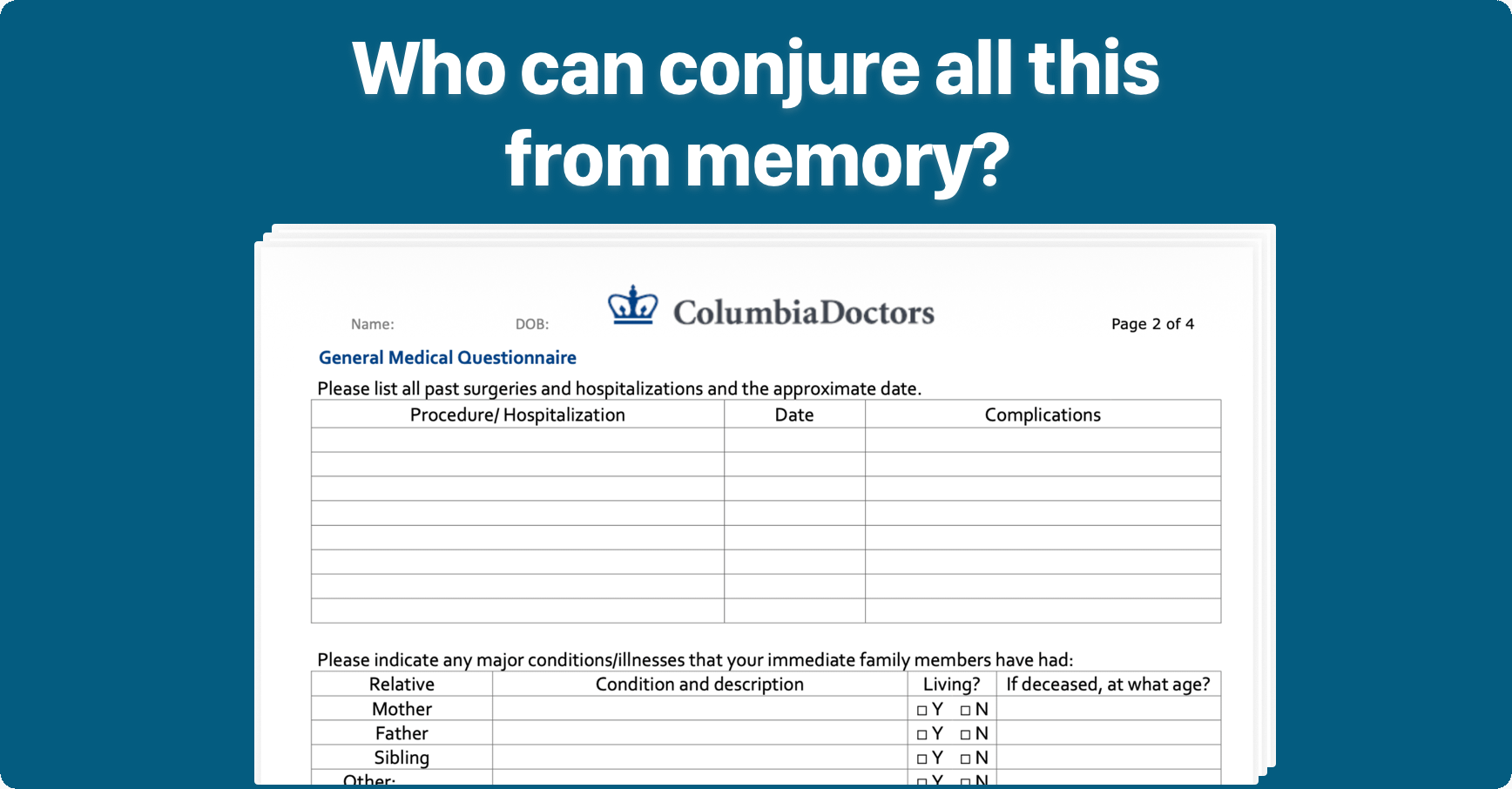
The form asked for a full surgical history including dates, a comprehensive family history going back to my grandparents, and current medications with exact dosages. Who can conjure all that detail, comprehensively and accurately, from memory? That’s a rhetorical question. No one can.
What Are the Consequences?
I used to think skipping or making my best guess wasn’t important. Many clinicians ask you the same questions in the appointment anyway.
But a study out of Northwestern found that 85% of medication order errors originated from incorrect or incomplete medication histories. Cardiovascular medications were the most common error (29.1%). If undetected, 52.4% of order errors were rated as potentially requiring increased monitoring or intervention to preclude harm. Oh!
The Wrong Information Can Propagate
HealthScout and any well-designed health AI system depend on the context of your electronic health record (EHR). AI takes wrong or missing answers as definitive truth. When I first started using HealthScout on my own data, it surfaced incorrect data I wrote on a clipboard 20 years ago. It’s one of the reasons I built My Added Records: to allow users to correct their own records in HealthScout.
But patients can’t easily correct their EHR. When your new provider accepts what you wrote, it becomes an official diagnosis. The next provider sees it as established fact and builds on it.
Treatment Decisions Change
Depending on if a patient forgets a condition or medication or adds one they actually don’t have (yes this happens), a doctor might avoid a medication or procedure because of a listed condition, or prescribe something that conflicts with a condition or medication that didn’t make the list.
Similarly, a slightly high cholesterol means something completely different for patients whose parents and grandparents lived to a ripe old age versus someone with a parent who died of a heart attack in their 50s.
In all these cases, life-changing decisions might be made based on incorrect information in the EHR.
Form Assistant
Besides the accuracy issues we just covered, filling out medical intake forms simply sucks. So today I’m releasing a new HealthScout feature, Form Assistant.
Simply photograph a medical intake form or upload the PDF and tap Send. HealthScout reads the form, looks up answers in your health records, and returns them organized to mirror the form’s own sections: current medications with dosages, documented conditions, surgical history, family history, and even insurance information. If your form is digital, there’s a copy button on each field to easily paste the answers. If you’re set up on a modern Mac, you can copy on your iPhone and paste right into a Mac browser window.
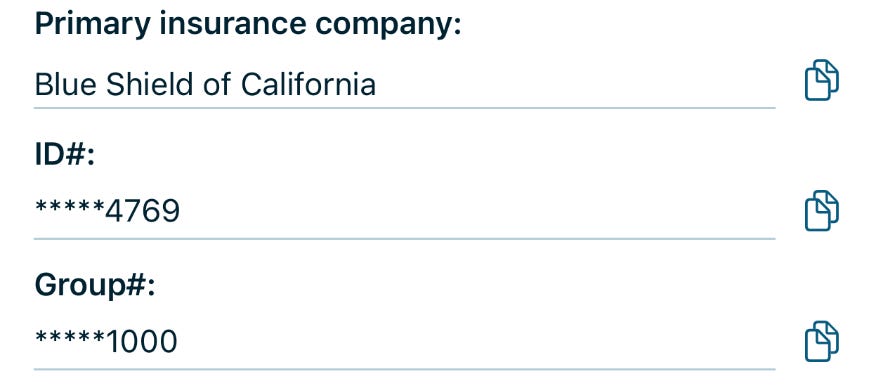
The first time you use Form Assistant, your answers are saved to a profile called Saved Info. Every intake form after that starts with your Saved Info, and if something’s wrong, you can correct it right there for next time.
Why HealthScout Answers Are Better
When HealthScout fills a field from your health records, the answers reflect what your providers actually documented. The dosage is the one in the prescription on file. The diagnosis name is the specific one, not your recollection of what a doctor mentioned at an appointment two years ago. And if your EHR is wrong, Form Assistant prioritizes your My Added Records correction entries so all the most up-to-date information is provided.
What Happens to Your Form Photos
Form Assistant follows the same privacy architecture as everything else in HealthScout. Your health data is never stored on HealthScout’s servers. The form photos you submit are processed to generate answers and then discarded.
Where to Find It
Form Assistant is included in the generous free tier of HealthScout. If you don’t have HealthScout yet, download it free on the App Store.

If you’re already a user, be sure to update and look for the new clipboard icon on HealthScout’s home screen.
Hi Joe
As a patient I certainly understand your impatience with the dreaded clipboard. And the solution you provided is a good one.
As a research consultant at Mt Sinai’ Adolescent Health Center however, I realized that intake information provides an often ignored data-base for staff to explore about who they are serving and what health and mental health issues they are facing.
Working collaboratively with non-research staff “mining” the data, we produced a book called “What do Adolescents Need to Talk About?”
True is didn’t directly help individual patients but it identified training needs and programmatic needs at the clinic. This potential informational resource is typically overlooked in health settings or when it’s used it’s by administrators for purely bureaucratic purposes.
I vividly remember staff referring to the over 800 intake questionnaires as the “data-base” when the completed intake forms were sitting uselessly in a file cabinet. At that point as true as it was, they didn’t know what they were saying.